✨Features
A scanner in your pocket
PDF Lens allows you to easily capture photos and convert them into high-quality PDFs. Preserve the clarity and details of your scanned documents effortlessly.
Get amazing things done with awesome feature two. But remember that awesome feature one and three exist too. In fact, Awesome Product is full of awesome features.
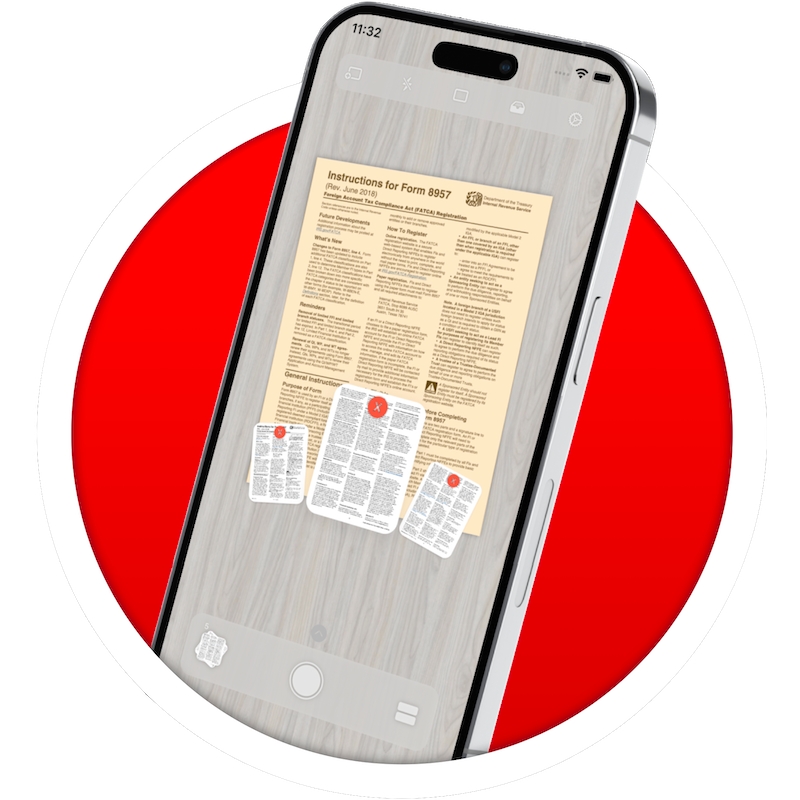
Say goodbye to skewed images and misaligned borders. PDF Lens features live border detection, ensuring accurate scanning, while the perspective correction feature eliminates any distortions, giving your scans a professional look.
Take scanning to the next level with AI-powered border detection and perspective correction. PDF Lens utilizes cutting-edge artificial intelligence algorithms to intelligently detect borders and correct perspective distortions with remarkable accuracy and speed.
PDF Lens provides a quadrangle view and image cropper, similar to popular note-taking apps. Adjust and crop your images effortlessly, ensuring optimal presentation and readability.
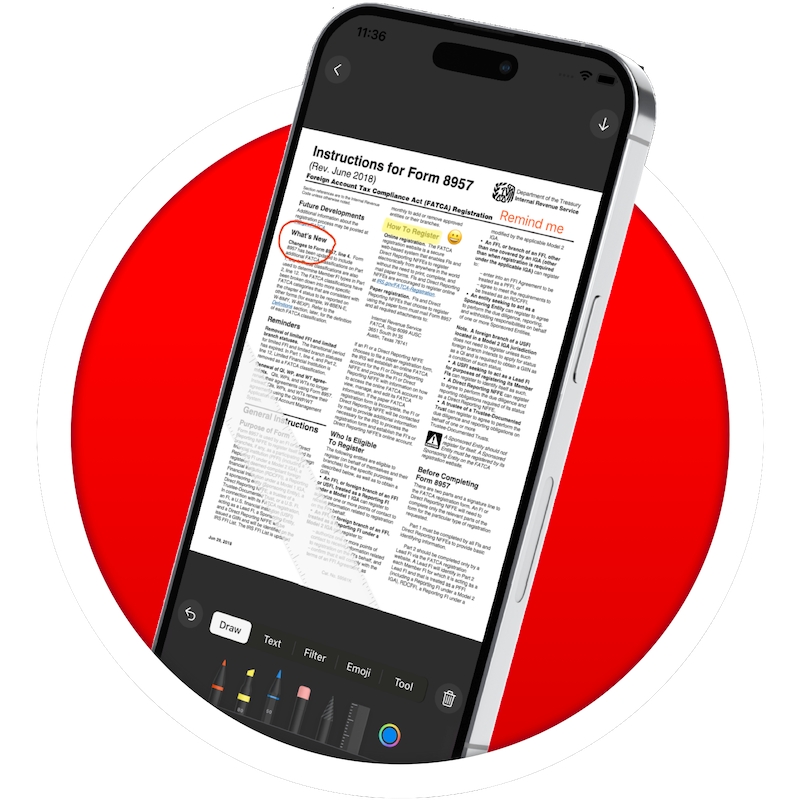
Enhance the visual appeal of your scans with PDF Lens' comprehensive photo editor. Apply beautiful filters and make adjustments to achieve the desired look and feel
Add a personal touch to your scanned documents by e-signing them within the app. PDF Lens enables you to easily sign contracts, agreements, and important paperwork, making it convenient and efficient.
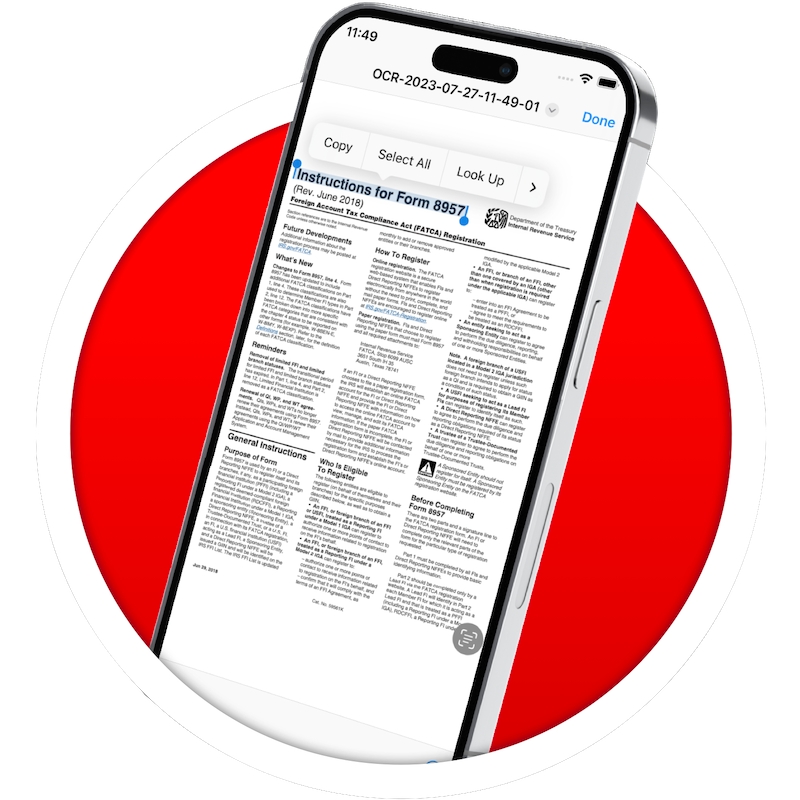
Extracting text from scanned images is a breeze with PDF Lens' OCR technology. Easily extract and edit text from your scanned documents, making it convenient to search, copy, and share information.
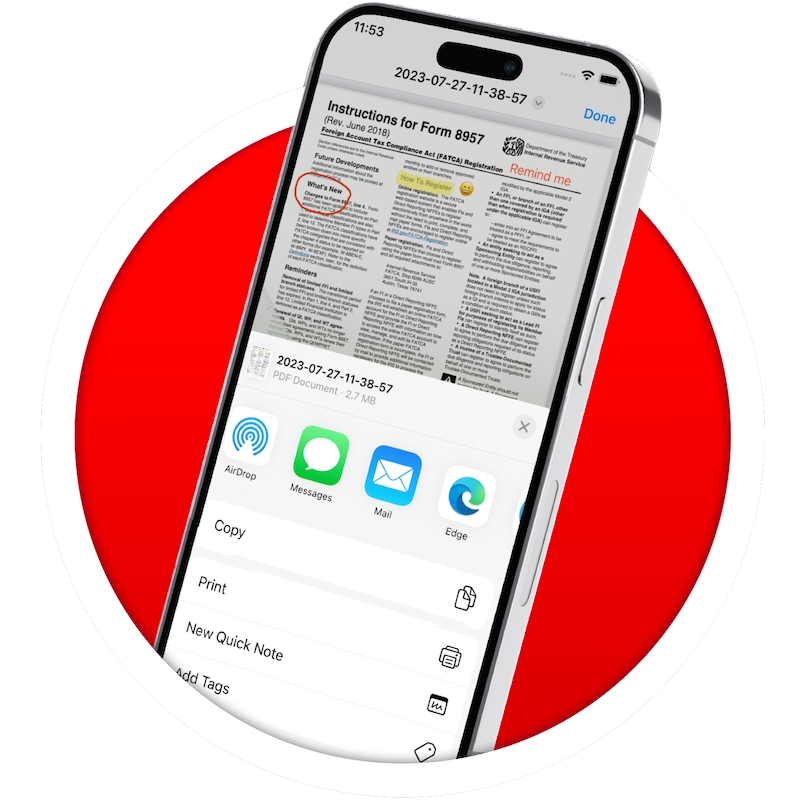
PDF Lens makes it simple to share your scans via email and push them to iBooks for convenient access. Additionally, you can easily print your scans using any Wi-Fi printer, ensuring that you can have hard copies when needed.
Seamlessly integrate PDF Lens with popular cloud services such as Dropbox, Evernote, Box, OneDrive, and Google Drive. Upload your scanned documents to the cloud, enabling easy access and secure storage across multiple devices
Last updated
Was this helpful?